
Troubleshooting Your Internet Connection
A Quick Guide: Whether you’re working from home, streaming your favorite show, or connecting with friends, a reliable internet connection is more important than ever. But sometimes, it feels like something’s off. If you’re experiencing connectivity issues, don’t worry! There are a few simple steps you can take to troubleshoot and get back online quickly.
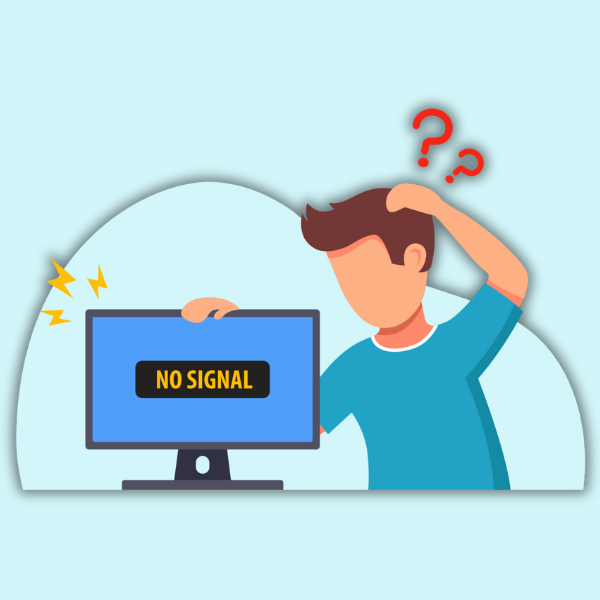
Why Can’t I Access My Favorite Website?
If you’re having trouble accessing a specific website but other sites are loading fine, the issue likely lies with the website itself, not your connection. Here’s what to do:
- Try accessing the website on a different device or browser.
- If the website still doesn’t load, it’s probably a problem on their end, and you’ll need to wait for them to fix it.
Why Does My Internet Keep Buffering?
Experiencing intermittent buffering or slow speeds? Here are some things to try:
- Check Your Cables: Ensure all cables are securely connected to your router.
- Router Placement: Poor placement or an outdated router could be the culprit. Router lifespans usually are between 3-5 years.
- Reboot Your Router: Sometimes, a quick reset can solve many issues.
- Distance from Router: If your device is too far from the router, you might experience weak signal strength. Consider adding a TrioTel mesh unit to extend your network’s range. These devices can help ensure a stronger, more consistent signal in problem areas.
How Can I Test My Connection?
To diagnose your connection issue, start by checking whether your connection is active:
- Direct Connection: If possible, plug an Ethernet cable directly into your computer to bypass the router.
- If It Works: If the internet works when connected directly to the cable, the issue may lie with your router.
- Don’t Leave It Like That: While this can help identify the problem, it’s not a secure long-term solution, as routers provide important protection for your devices. If you’re using a TrioTel router, don’t hesitate to contact us—we can help troubleshoot over the phone.
What If I Can’t Fix the Issue?
If you’re still struggling to get your connection back, TrioTel is here to help. Reach out by calling:
- Office hours: 1-800-242-1925 or 605-425-2238
- 24/7 Internet Help Desk: 1-888-512-1967
We can help diagnose the problem, especially if you’re using a TrioTel’s Enhanced WIFI Router. Once the issue is resolved, take a moment to reflect on what caused it. This could help prevent similar issues in the future!
Tech issues can be frustrating, but with a little patience and troubleshooting, you’ll be back online in no time. And remember—if you need assistance, TrioTel’s support team is just a call away.
Good luck, and happy surfing!
« Back to Blog